Sale calendar
Every upcoming sale in Google Calendar, Apple or Outlook, with reminders.
What it does
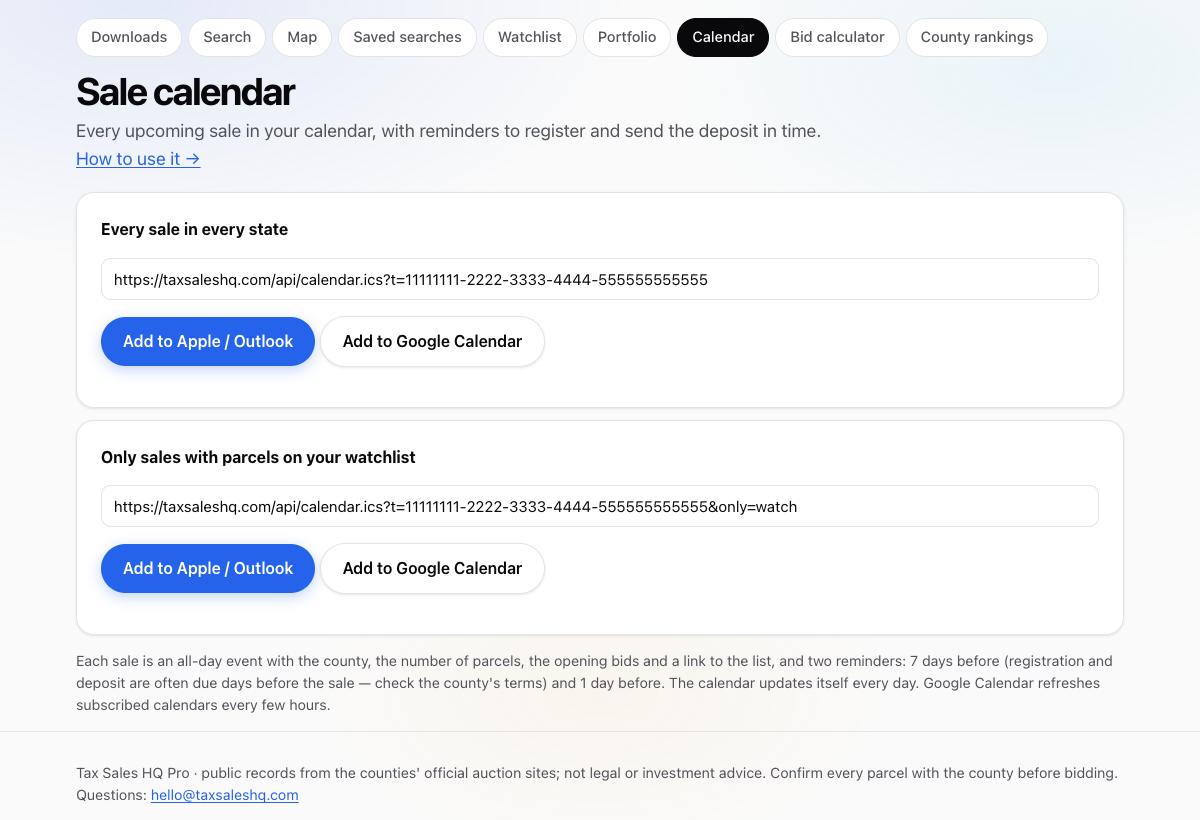
Subscribe once and every upcoming sale in your states appears in your own calendar as an all-day event, with the county, the number of parcels and a link to the list, plus reminders 7 days before (registration and deposits are often due days before the sale) and 1 day before. A second calendar has only the sales with parcels on your watchlist. Both update themselves every day.
How to use it
- Open Calendar in Pro. Choose every sale in your states, or only the ones you're watching.
- Press Add to Google Calendar or Add to Apple / Outlook. Or copy the link into any calendar app that subscribes to calendars by URL.
- Check the reminders. 7 days before: register and send the deposit if the county asks for one. 1 day before: the sale.
Tips
- Google Calendar refreshes subscribed calendars every few hours, so a sale added today may show up later in the day.
Questions
Does it include the deposit deadline itself?
Counties set it in their terms, and few publish it in a form we can read, so the 7-day reminder points you to check the county's terms.
Use the tools with Pro
Every tool is part of Tax Sales HQ Pro (from $24.99/month) along with the full lists and CSV downloads. Already a member? Log in with your email.
Next: County rankings · All tools